



makeCNC Workshops Library Studio
$29.95
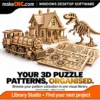
Bring your creative collection together with makeCNC Workshops Library Studio. Browse and organise 3D and STL models, bas-reliefs, clipart, 3D puzzle and laser patterns, images and other digital media in one visual Windows library.
Description
Less time hunting for files. More time making something great.
You bought the perfect pattern. You saved an inspiring project. You downloaded another bundle – and now you cannot remember which folder it landed in. makeCNC Workshops Library Studio gives your creative collection a visual home, so you can browse what you own, find the project you want and get back to your workshop.
Bring your patterns, plans, models and craft files together in a Windows desktop library built around the way creative people work. See projects as picture cards, organise them into useful categories and collections, keep their supporting documents together, and export a working copy when you are ready to make.
One library for a whole world of creative files
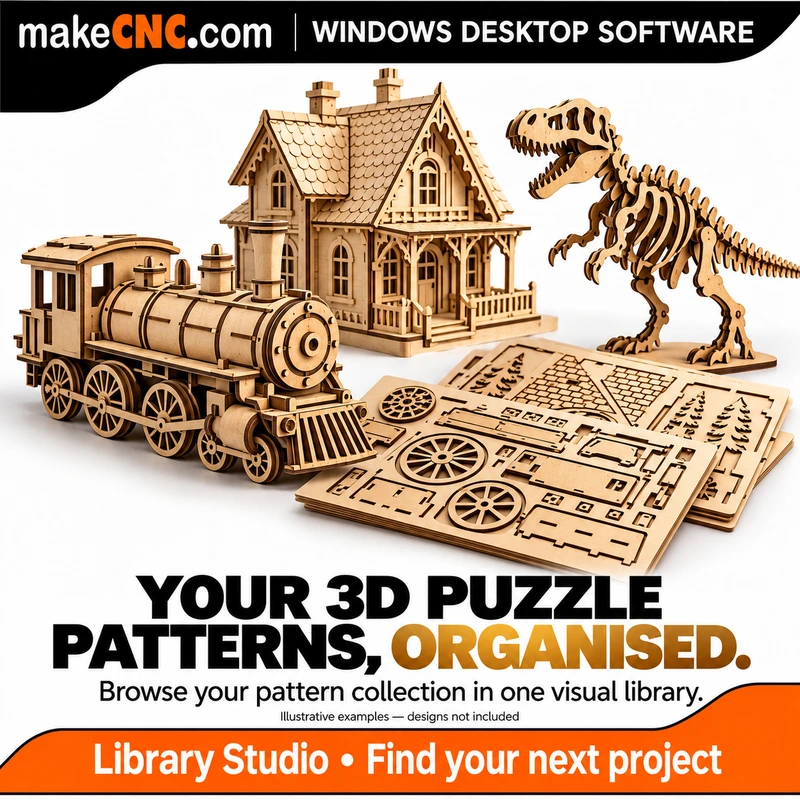
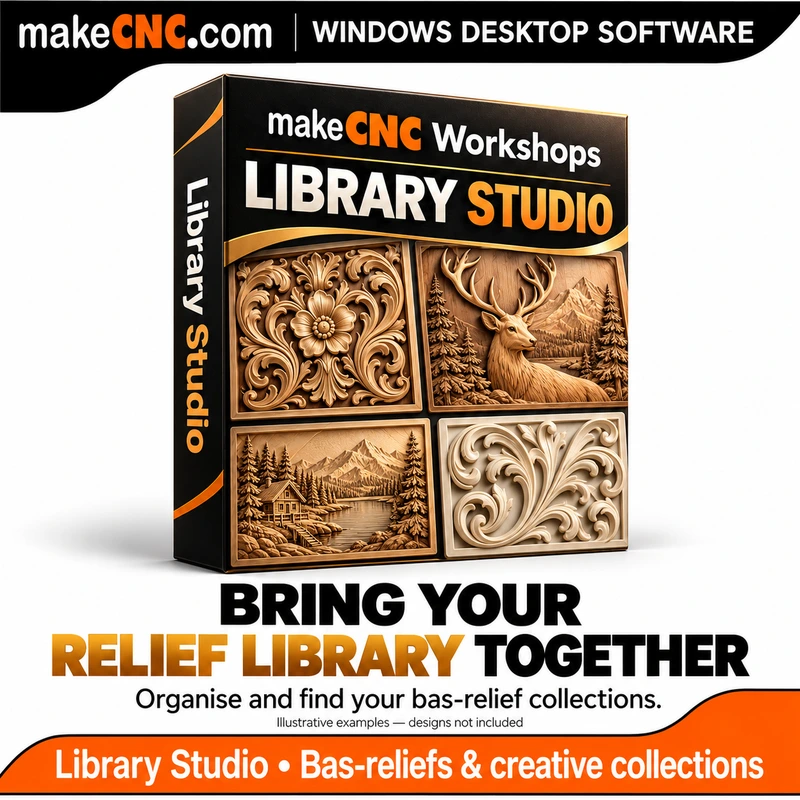
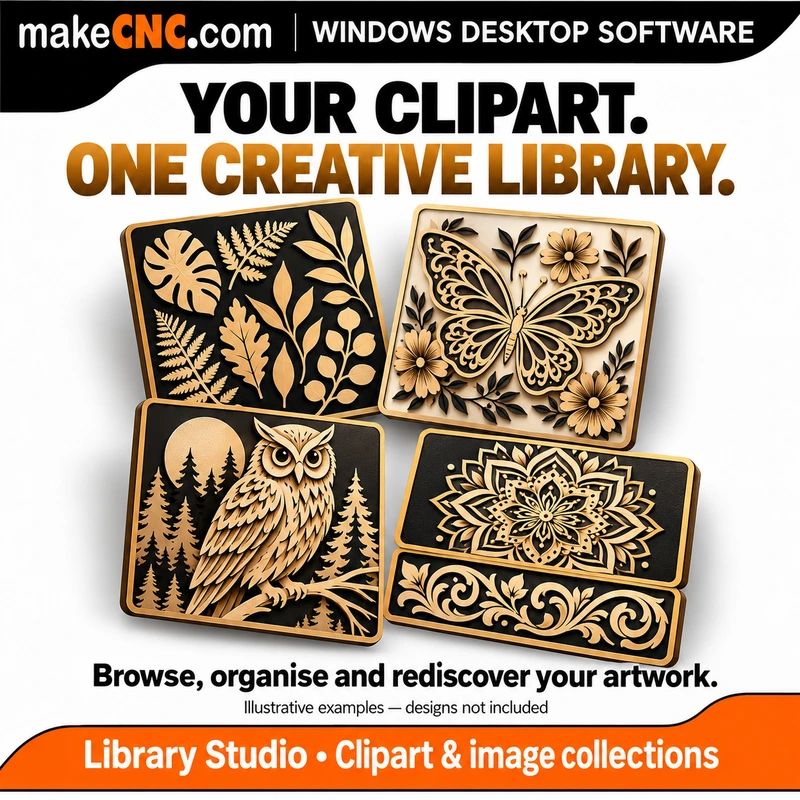
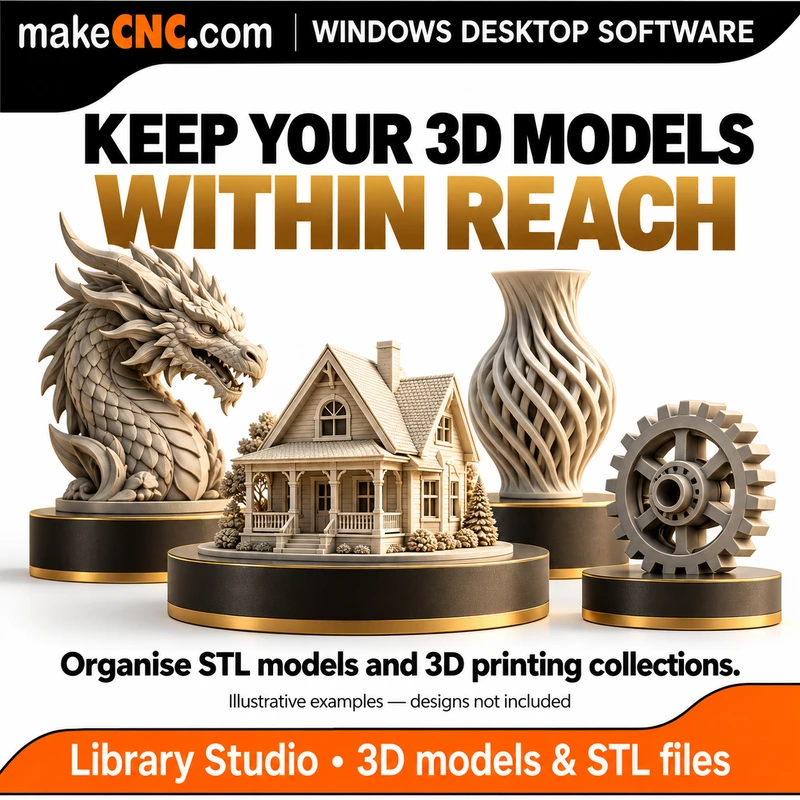
Your workshop collection is bigger than one kind of project. Library Studio helps you organise 3D models, STL models for 3D printing, bas-relief designs, clipart libraries, 3D puzzle patterns, laser-cutting patterns, image collections and other digital media files in one visual catalogue.
Keep a bas-relief project alongside its reference pictures, a 3D puzzle alongside its cutting files and assembly guide, or a printable STL alongside its notes and supporting documents. Build categories and collections that suit your interests, whether you work with CNC routers, lasers, scroll saws, Cricut machines, 3D printers or a mix of creative tools.
You can catalogue and group many kinds of digital files; built-in previews, 3D analysis and other specialist functions depend on the supported file format. Use your normal compatible software to edit, play, slice or manufacture the files.
Turn a collection of folders into a library you enjoy using
- Recognise projects at a glance. Visual cards and adjustable card sizes make your collection easier to browse.
- Find your next project faster. Search your library, filter by category or collection, mark favourites and save useful views.
- Keep a project together. Record packs and child designs alongside their files, instructions, notes and supporting documents.
- Remember where things came from. Keep supplier information, purchase references and licence/use notes with the project.
- Bring in the files you already own. Add ZIPs, folders and individual files, or import prepared packs.
- Work from a copy. Export a copy of a project for use in your normal design or machine software.
- Look after your collection. Built-in backup and restore tools help protect your catalogue and library organisation. Keep backups on a separate drive for protection against drive failure.
- Learn as you go. Professor Gearwright’s built-in help and step-by-step tutorials explain everyday workflows in plain language.
A home for your workshop’s digital projects
Build a library around your CNC, laser, scroll saw, Cricut and 3D printing projects. Keep vector files, PDFs, clipart, images, 3D puzzle patterns, bas-relief designs and STL models organised alongside the information you need to use them. Your existing compatible design, cutting, CAM or slicing software remains responsible for preparing and running a job.
Library Studio also includes tools for 3D model inspection, duplicate review, indexed sources, slicer integrations and filament records. Optional AI features use your own supported API account and require internet access; any provider charges are separate.
Full feature list
Build and browse your library
- Visual project cards with small, medium and large card sizes.
- Master Library folder management and access to the library folder.
- Add individual files, folders, ZIP archives, bundles and new packs.
- Import classic prepared folders and Prepared Pack 2.0 packages.
- Keep packs and their child designs or components together.
- Search the library and browse files inside packs.
- Create, nest, rename and reassign categories.
- Create and manage collections for purchases, interests or project groups.
- Mark favourites; revisit recently added and recently opened items.
- Save and reopen searches, filters, queues and sort choices as saved views.
- Sort by title, recent changes, date added or recent use.
- Switch between light and dark themes; hide panels or use Focus view.
Keep project information useful
- Edit titles, categories, collections, tags and notes.
- Record supplier, creator, marketplace, source link, purchase date and order reference.
- Record rights status and licence/use notes; retain supporting documents with a project.
- Browse child designs and filter them by text or file format.
- Inspect complete file inventories, file types, roles, sizes and recorded locations.
- Open files in compatible installed applications, reveal their location or export copies.
- Replace previews, use preview frames and attach supported hover animations.
- Export a working copy of a pack or export the current visible selection of results.
Explore 3D and larger collections
- 3D Model Intelligence tools for supported models, including dimensions, mesh information and previews.
- Smart Duplicate Review for exact, geometry and likely-shape matches; review suggested matches before acting.
- Index local, NAS and mounted cloud folders. A mounted source must be available when its files are needed.
- Connect supported installed slicers, including Cura, Orca, Bambu and Prusa options, or configure a custom application.
- Maintain a filament library with brand, material and model assignments.
- Optional bring-your-own-API AI tools for descriptions, tags, suggestions and semantic search.
- Prepare compatible content for separate support apps; those applications are separate products.
Protect, maintain and learn
- Create checked, versioned backups with checksums and validation.
- Include Master Library source files for a self-contained backup, or make a smaller catalogue-only backup.
- Validate a backup before restoring active library data.
- Monitor running, failed and interrupted work in Jobs & Progress.
- Review queues for missing files, duplicates, damaged or unsupported items, and items needing previews or review.
- Repair and rebuild previews for cards currently on screen.
- Access settings, diagnostics and licence management.
- Follow the local Quick Start, manual and Professor Gearwright tutorials.
- Check for available software updates and manage the separate Support & Updates entitlement.
File organisation does not mean every file format has an internal viewer, editor or 3D analyser. Optional online features need an internet connection and their own account where applicable. Connected slicers and support apps must be installed separately.
$29.95 USD. Your library, on your computers.
Your purchase includes a perpetual licence for up to three of your own computers. Activate each computer online once, then use the installed application offline without a recurring software-use subscription.
- Windows desktop software supplied as a digital download.
- Lifetime use of your licensed installed version on up to three computers.
- The first 12 months of available software updates.
- The first 12 months of limited email support for installation, activation and basic troubleshooting.
Limited support excludes personal training and custom project or design work. Internet access is needed for initial activation, downloading updates, renewing support and using optional online services. Offline use does not include those online functions.
Updates when you want them. Continued use when you do not.
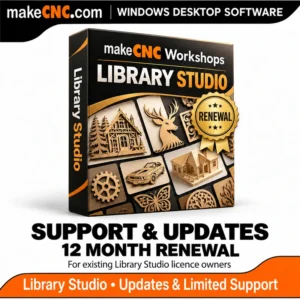
After the included year, you can optionally renew Support & Updates for $19.95 USD for a further 12 months. Renewal is a separate purchase, with no automatic recurring payment. If you do not renew, your perpetual licence still lets you use the installed software offline. Renewal pricing and terms shown at checkout apply to future purchases.
What is – and is not – included
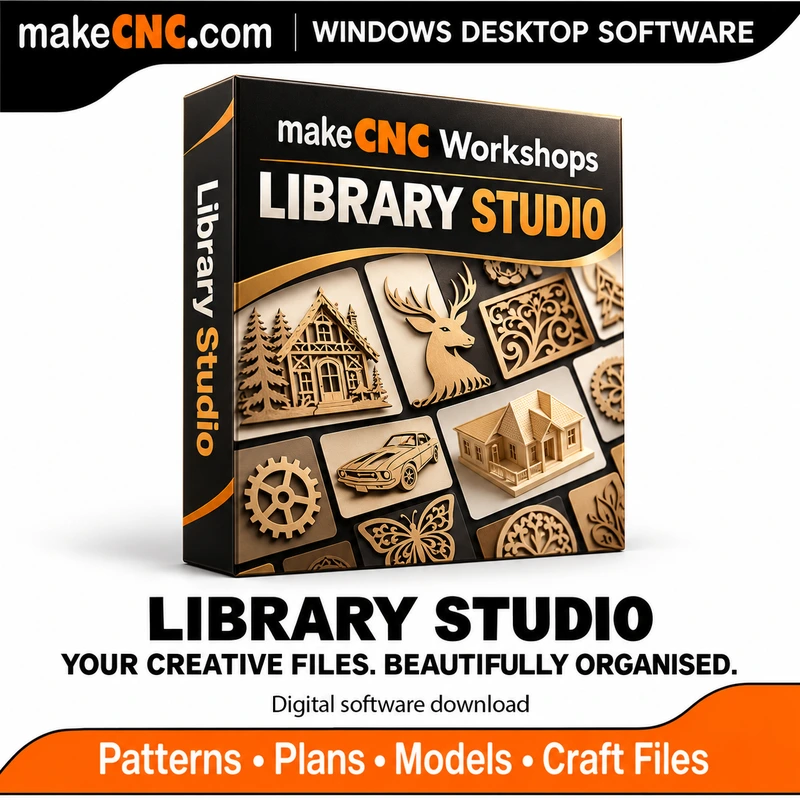
This product is the Library Studio application and its software licence. Patterns, project designs, third-party software and a physical box are not included. Marketing images use generated illustrative examples of the types of collections you can organise. Existing pattern licences still govern how you may use your designs. makeCNC lifetime pattern membership does not include this software by default.
Give your creative collection the home it deserves – and make your next project easier to find.
Only logged in customers who have purchased this product may leave a review.
Reviews
There are no reviews yet.