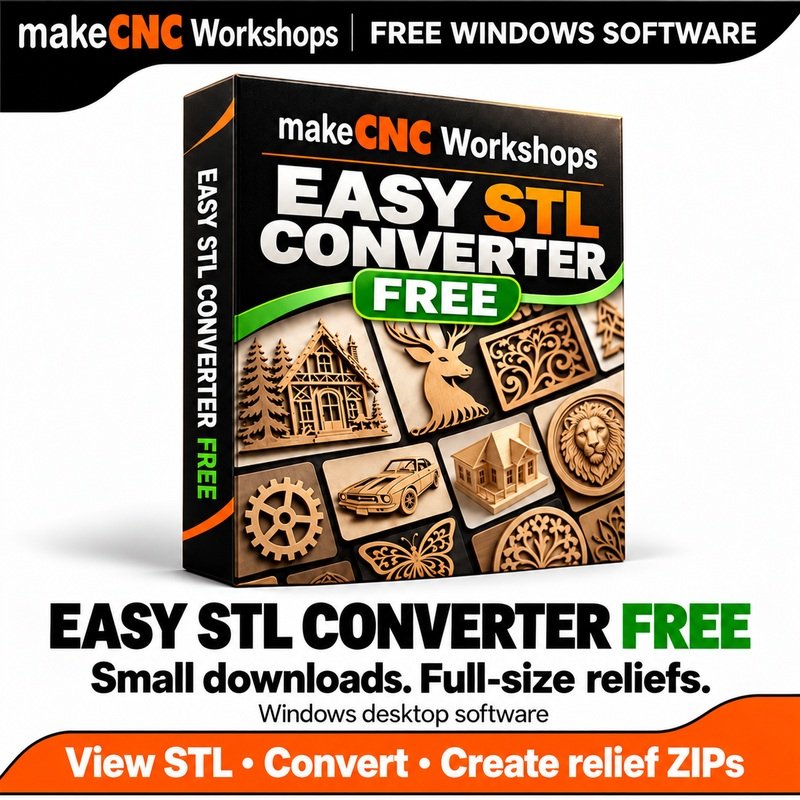
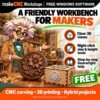
makeCNC Workshops Easy STL Converter Free
$0.00
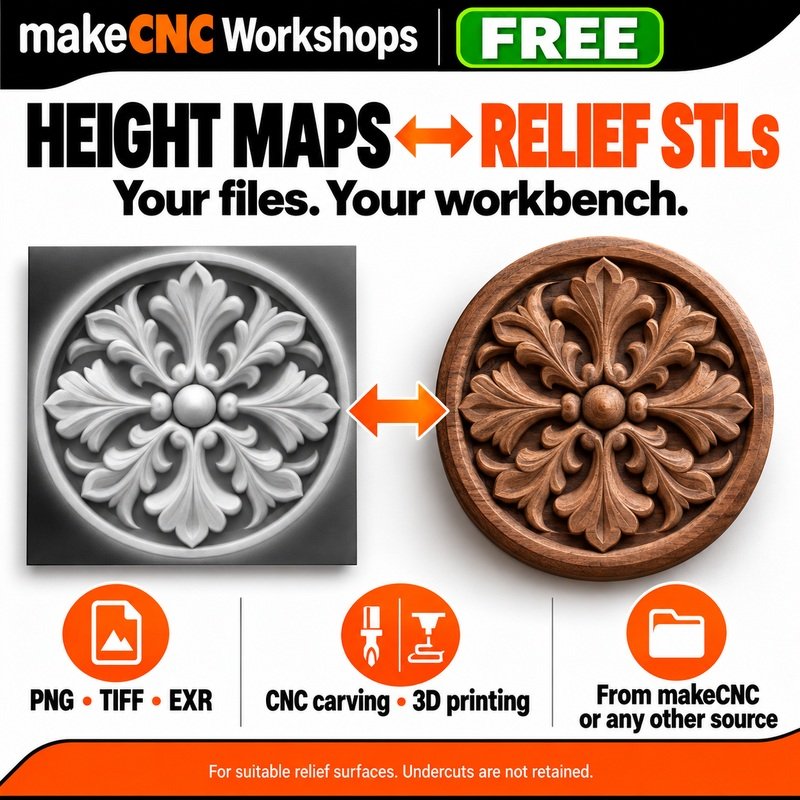
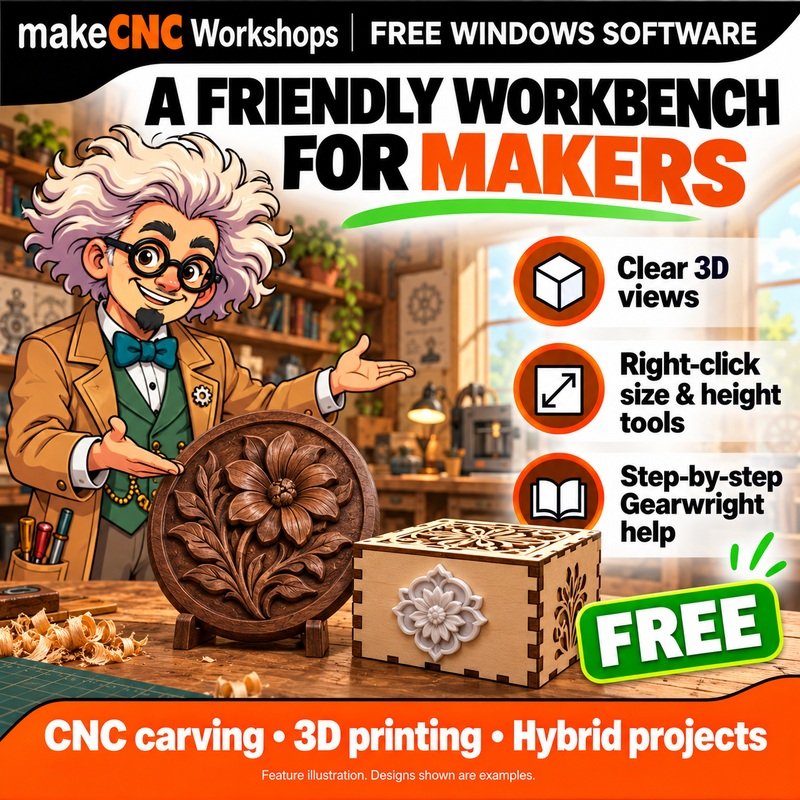
A free makeCNC Workshops app to view STLs and convert height maps ↔ suitable relief STLs from makeCNC or other sources. Enjoy solid walnut previews, floating size and height tools, full-screen viewing and friendly Gearwright tutorials. For CNC carving, 3D printing and hybrid maker projects.
Description
Download Easy STL Converter Free for Windows (64-bit)
Version 1.0.1 · Free installer ZIP · Extract the ZIP, then run the installer. No serial or activation is required.
A friendly, free relief workbench for makers. Convert supported height/depth maps to STL, turn suitable relief STLs into compact height maps, and inspect STL models in one clear Windows app. Use files from makeCNC or any other source for which you have the appropriate rights.
Paul and Julie Campbell wanted an easier way to share detailed reliefs without making every customer download a huge carving STL. A precise height-map package keeps the website download small; the detailed STL is created locally on your own computer when you need it.
View, shape and convert
- Solid, smoothly lit 3D previews with dark chocolate walnut as the default material, plus brass, print resin and neutral clay.
- Light and dark themes, orbit and pan controls, angled/top/front views, orthographic view, white wireframe lines and a Grid on/off switch.
- A full-screen Focus view panel with Return to workbench, plus floating right-click height and uniform-scale tools. Roll the mouse wheel or type a value, watch the model and dimensions update, then Apply or Cancel.
- Scale and export an imported STL while retaining its original triangle detail. The lighter viewer mesh does not replace the source geometry.
- Open PNG height maps, supported single-page grayscale TIFF, and Z/Y-channel EXR height maps. Export true 16-bit grayscale PNG or float EXR.
- Capture the visible decorated face of a suitable STL relief from six directions, at up to 4096 pixels on the longest side.
- Set physical width, height, raised relief and flat backing. Choose a rectangular plaque or round/oval badge.
- Choose full-map CNC carving detail, balanced 3D-print detail, a smaller hybrid-badge mesh, or a custom sampling level. See triangle and file-size estimates before saving.
For carving, printing and hybrid maker projects
Create an STL for import into Aspire or another CAD/CAM program, or prepare a smaller printed badge to attach to a laser-cut box or other hybrid project. STL coordinates are exported in millimetres: choose mm in the importing program and check the actual result before making it. The app creates geometry, not CNC toolpaths.
Small relief ZIPs that open easily
Prepare a product packages a precise 16-bit master, dimensions, backing shape, checksum, previews and customer instructions into one ZIP. Customers open that ZIP directly in the app. The large original STL is excluded. Keep the approved original in your own archive and reopen each finished package to check it before distribution.
Professor Gearwright is here to help
Searchable maker guides explain opening files, dimensions, carving exports, printed badges, height capture and product packaging in simple steps. Choose Try samples to see pictured cards for the Practice Medallion and the detailed makeCNC Anvil Medallion. Both are included for offline testing.
Free and separate from FORGE
This is a standalone makeCNC Workshops app for 64-bit Windows 10/11. Core conversion runs locally, with no account, serial, credits or conversion charges. It can be used alongside FORGE and other makeCNC Workshops software. For organising your designs and files, explore makeCNC Workshops Library Studio.
Know what a height map preserves
A height map stores one visible height per position. Undercuts, hidden faces, original back detail, arbitrary silhouettes and holes cannot be reconstructed from it. Lower mesh presets deliberately reduce detail. A normal shaded photograph is not a calibrated height map. Inspect exported geometry, dimensions and the intended process in your CAD/CAM program or slicer before carving or printing.
Feature artwork shows illustrative maker examples; those designs are not included. The two bundled sample reliefs are supplied for learning and software testing.
Only logged in customers who have purchased this product may leave a review.
Reviews
There are no reviews yet.