


makeCNC Workshops Easy Reader Free
$0.00
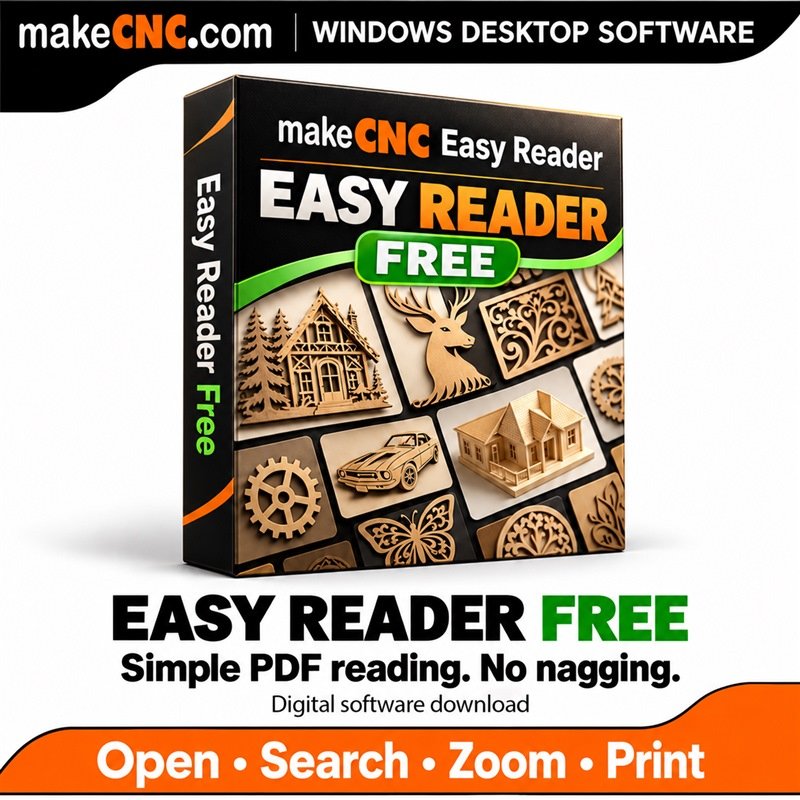
A simple, useful PDF reader for Windows — completely free. Read assembly guides, manuals and plans without constant nagging. Open, search, zoom, rotate, print and export PDF pages locally.
Want more formats and reading tools? Get Pro for $19.95 with free updates for life and help Paul and Julie Campbell create more useful apps and more free apps.
Description
Simply read your PDFs and get on with making
Julie and I were tired of Adobe nagging us and making something as simple as reading a PDF feel harder than it needed to be. There are plenty of PDF apps out there, but we wanted one that was simple, easy to use and did what we needed when following our assembly guides. So we made Easy Reader: designed especially for makers, and useful to anyone who wants a straightforward PDF reader.
Free means $0.00
Easy Reader Free is a free Windows PDF reader. Open your assembly guides, workshop manuals, plans and everyday PDFs locally on your computer. No document upload, no activation serial, and no advertising or upgrade pop-ups interrupting your reading.
- Open PDFs using Choose File, drag and drop, or Windows Open With.
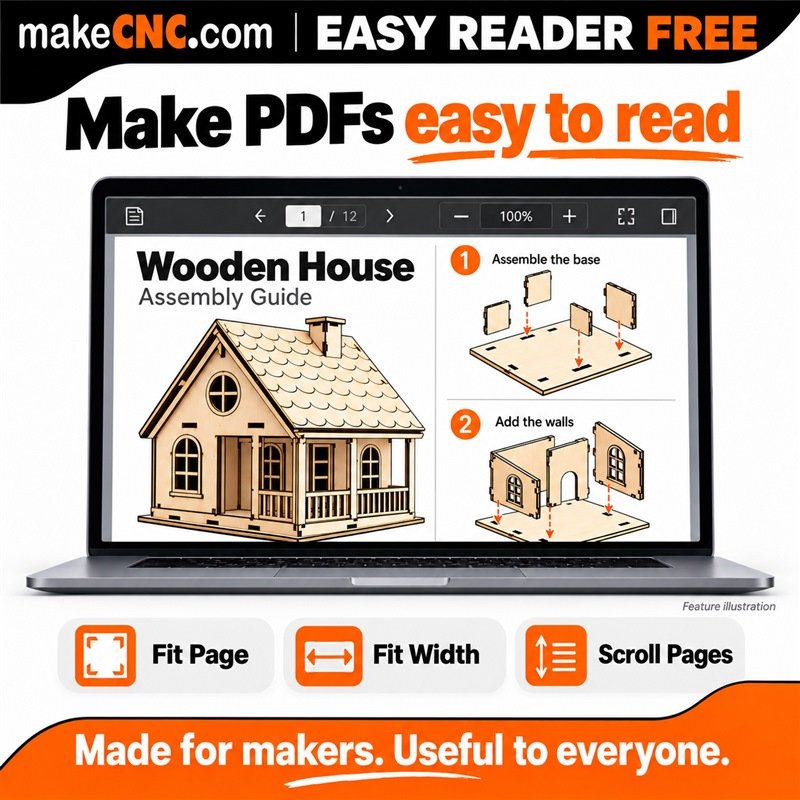
- Read one page at a time or scroll through your document.
- Fit Page, Fit Width, zoom and rotate to see the detail you need.
- Search PDF text and jump between matches.
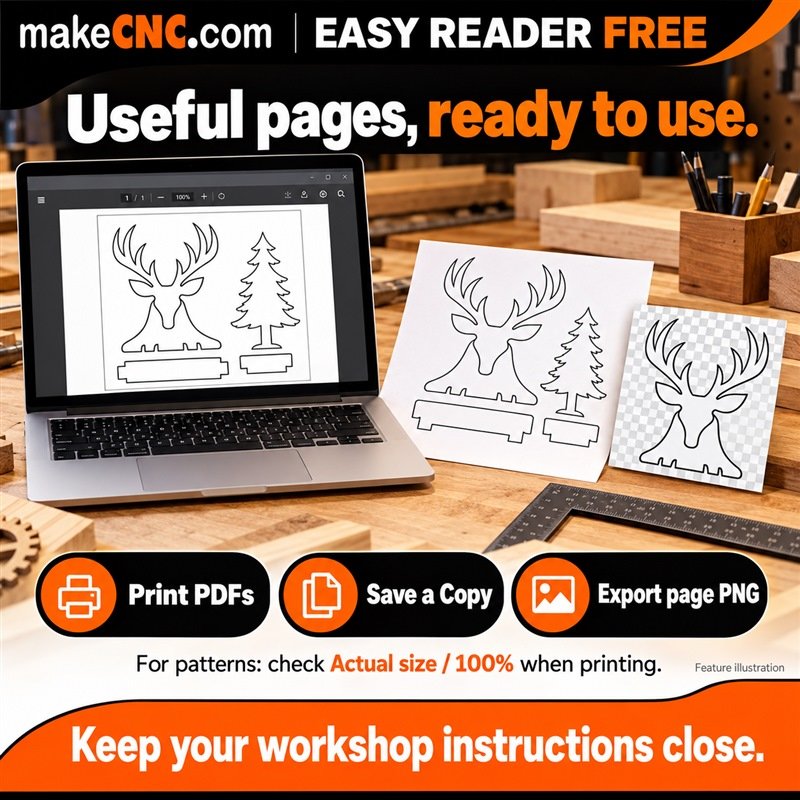
- Print PDFs, save an original copy or export the current page as PNG.
- Use light/dark and Reader Mode for comfortable reading.
- Set Easy Reader as your default PDF reader through Windows settings.
- Check for free updates inside the app.
Want all your reading in one convenient app?
Explore Easy Reader Pro for $19.95 — with free updates for life. Pro brings PDFs, EPUB e-books, DOCX documents, local HTML, Markdown, TXT, RTF and common images together, with a reading library, tabs, saved positions, bookmarks, notes and more.
Support more useful apps — and more free apps
If Easy Reader Free is useful to you, please consider buying Pro and supporting the makeCNC App Library. Every purchase helps makeCNC — and us, Paul and Julie Campbell — create more useful apps, including more free apps for the community. Thank you for helping us keep building.
A practical companion for scroll saw users and FORGE
Easy Reader is especially useful for scroll saw users who want to read and print PDF assembly guides and pattern sheets exported from makeCNC Workshops FORGE. Use it alongside our growing collection of applications for creating patterns and enjoying woodworking. Open the PDF, check the detail and print the pages you need. For full-size patterns, choose Actual size / 100% in the Windows print dialog and verify a known printed dimension.
Keep your creative files organised
Building up a collection of patterns, plans, reference pictures and project files? Take a look at makeCNC Workshops Library Studio for organising and finding your creative files. Easy Reader helps you read them; Library Studio helps you keep your collection in order.
Good to know
Windows 10/11, 64-bit. Free reads PDF files; other document types are included in Pro. Search requires text in the PDF; scanned images need OCR elsewhere. Easy Reader is a reader, not an OCR tool or PDF editor. For full-size workshop patterns, choose Actual size / 100% in the Windows print dialog and check a known printed dimension. Gallery pictures are feature illustrations.
Only logged in customers who have purchased this product may leave a review.
Reviews
There are no reviews yet.