

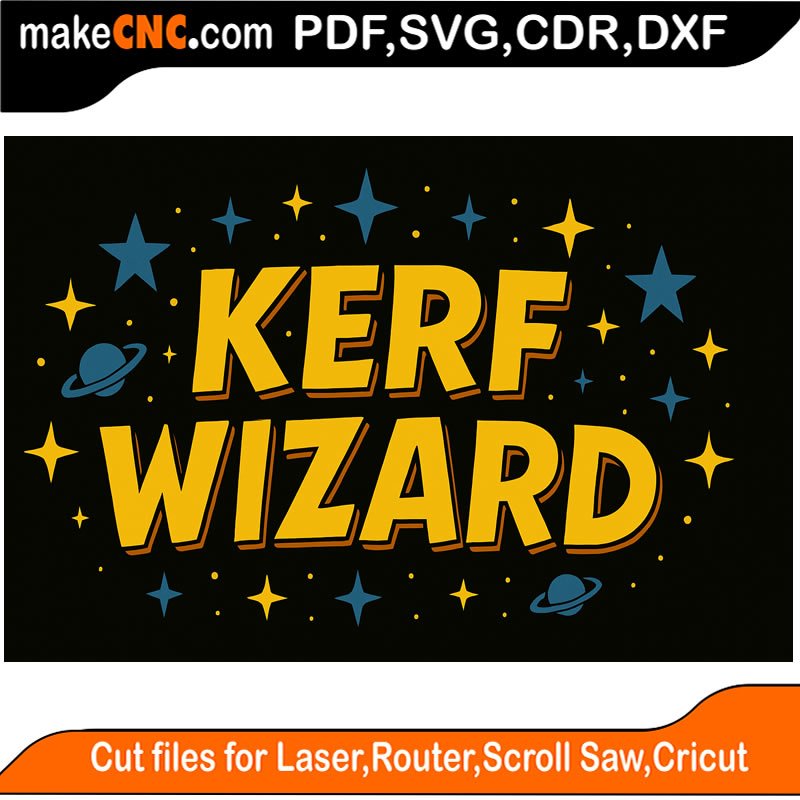
makeCNC Workshops Kerf Wizard
Original price was: $15.00.$9.95Current price is: $9.95.
Description
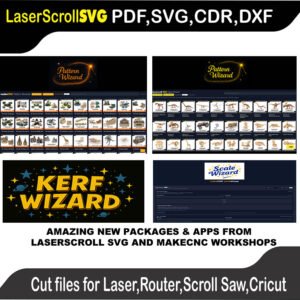
makeCNC Workshop – Kerf Wizard App
Dial-In Perfect Laser Fits Every Time
comes with windows installer mac version coming soon
The makeCNC Workshop Kerf Wizard is a practical, workshop-focused app designed to solve one of the most frustrating problems in laser cutting: getting perfect slot-and-tab fitment.
Instead of guessing, trial-and-error, or wasting material, Kerf Wizard gives you a repeatable, step-by-step workflow to measure kerf, choose the fit you want, and calculate exactly how your design should be cut.
It’s built for real laser users — beginners and pros alike.
🔥 Why Kerf Matters (and Why Guessing Fails)
Every laser removes material as it cuts. That cut width — kerf — changes with:
-
Material type
-
Material thickness
-
Laser power & speed
-
Focus, air assist, lens
-
Even humidity
If you cut boxes, 3D puzzles, press-fit parts, or assemblies, kerf is the difference between:
-
✅ A clean press-fit build
-
❌ Loose, wobbly joints
-
❌ Cracked parts from being too tight
Kerf Wizard removes the guesswork and replaces it with measured results .
🧠 What the Kerf Wizard Does
The app guides you through a simple, proven process:
1️⃣ Machine & Material Profiles
Create reusable profiles for:
-
Your laser
-
Your material
-
Your thickness
Profiles can be saved and reloaded, so once you dial something in, you don’t start from scratch next time .
2️⃣ Kerf Test Planner (No Math Required)
The app automatically generates a kerf test table — a set of slot widths you cut once as a small test strip.
You:
-
Cut the test
-
Pick the slot that feels right
-
Enter the slot number
The app handles the math .
3️⃣ Kerf & Fitment Calculator
Based on your test result, the wizard calculates:
-
Kerf per side
-
Correct slot width
-
Global scale percentage to apply to your design
You can choose your fit style:
-
Tight (press-fit)
-
Normal
-
Loose (paint or easy assembly)
The results can be applied directly in your CAM software or in the makeCNC Scale Wizard .
🔧 Built for Real Workshop Use
-
Works in mm or inches
-
Runs locally in your browser
-
Dark / Light mode
-
Built-in help button opens the full user guide
-
Designed to be clear even if you’re new to lasers
This isn’t machine-specific “magic numbers” — it’s a reliable workflow you can reuse any time your settings change .
🎯 Who This App Is For
Perfect for anyone cutting:
-
Laser-cut boxes
-
Slot-and-tab assemblies
-
3D puzzles
-
Press-fit projects
-
Kits or repeat production parts
Especially valuable if you:
-
Switch materials often
-
Want consistent results
-
Are tired of wasting sheets on test cuts
⭐ Why Makers Love It
-
Saves material
-
Saves time
-
Removes frustration
-
Makes your builds feel professional
Once you use Kerf Wizard, you’ll wonder how you ever worked without it.
🧩 Part of the makeCNC Workshop System
Kerf Wizard integrates cleanly with other makeCNC tools, including the Scale Wizard, making it easy to go from test → calculation → cut with confidence.
Bottom Line
The makeCNC Workshop Kerf Wizard doesn’t promise miracles — it gives you something better:
Control, repeatability, and confidence at the laser.
If you want your parts to fit the way you intend, this app pays for itself fast.
Only logged in customers who have purchased this product may leave a review.
Reviews
There are no reviews yet.