



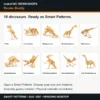


makeCNC Workshops Router Buddy
$29.95
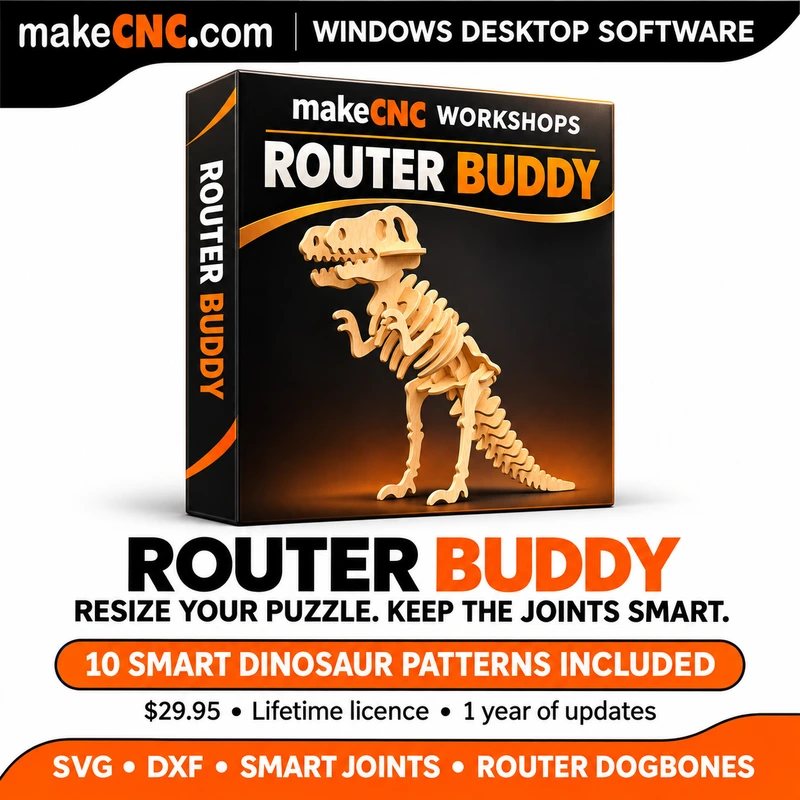
Resize your puzzle. Keep the joints smart. makeCNC Workshops Router Buddy includes 10 ready-made dinosaur Smart Patterns, assembly guides and friendly Gearwright Help. $29.95: lifetime app licence plus one year of software updates.
Description
Current Windows version: Router Buddy 1.0.23. Includes ten master Smart Patterns, with the misleading inch entries removed from the asset library.
Big ideas. Smart joints. One friendly Buddy.
Change the size of a 3D puzzle without simply stretching its slots out of fit. makeCNC Workshops Router Buddy lets you choose the overall pattern size and the new material thickness separately, then rebuild the joints for your project.
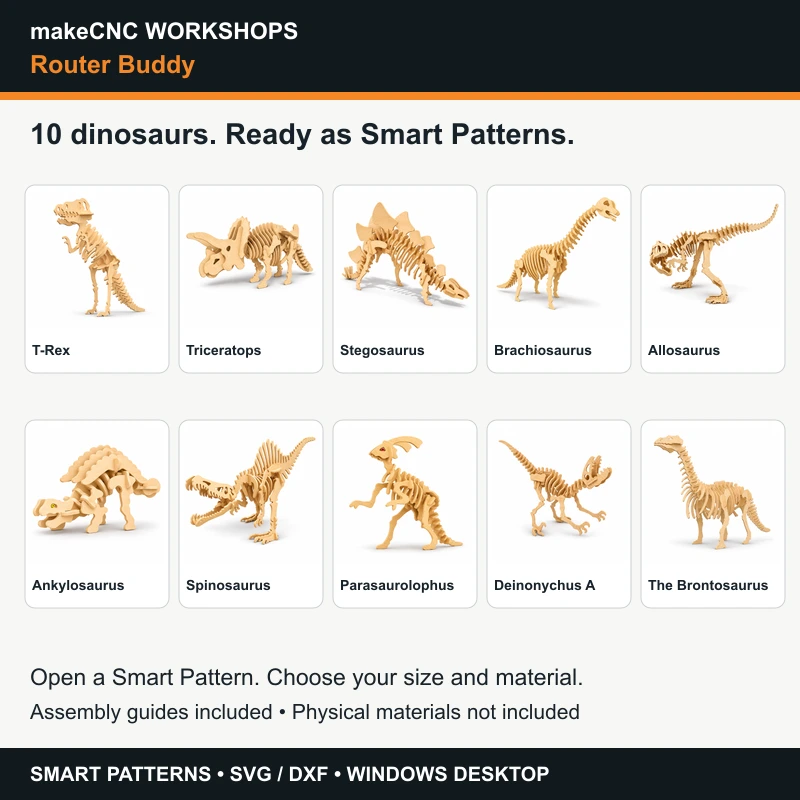
Ten dinosaurs included — ready to open
Start with Gigantic T-Rex, Triceratops, Stegosaurus, Brachiosaurus, Allosaurus, Ankylosaurus, Spinosaurus, Parasaurolophus, Deinonychus and Brontosaurus. These are prepared Smart Patterns in the built-in asset library, with assembly guides, so you can start resizing without scanning each one yourself. Open the supplied master Smart Pattern, review your size and make it your own. Pictures illustrate assembled projects; no physical kit or material is supplied.
Why choose Router Buddy?
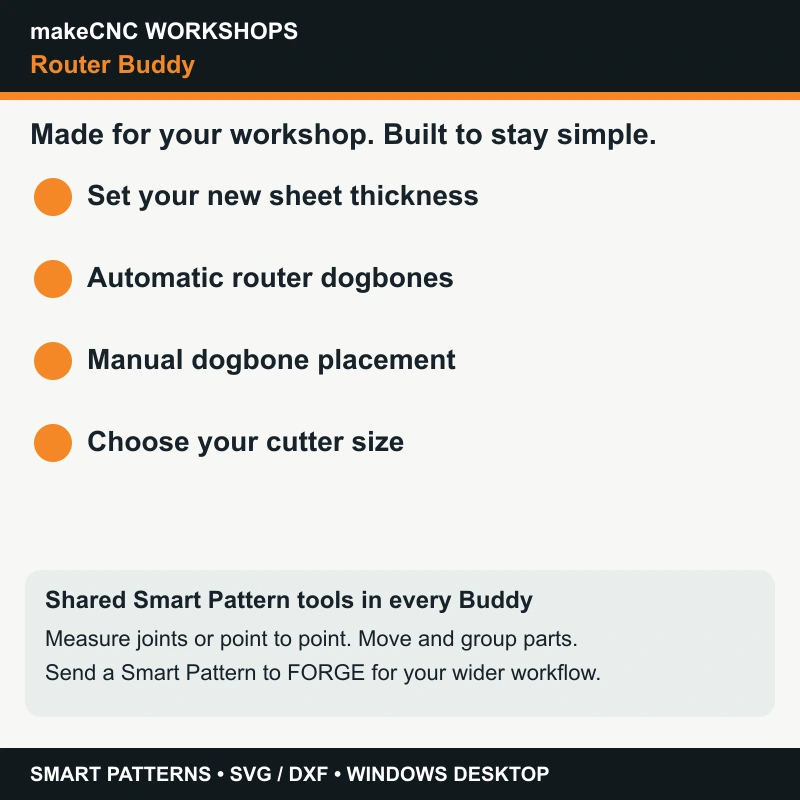
Automatic and manual dogbones help a round router cutter reach the corners needed for puzzle assembly. Set the cutter size and review the result before machining. Orange-and-black branding keeps this Buddy at home in the router workshop.
The same powerful Smart Pattern essentials
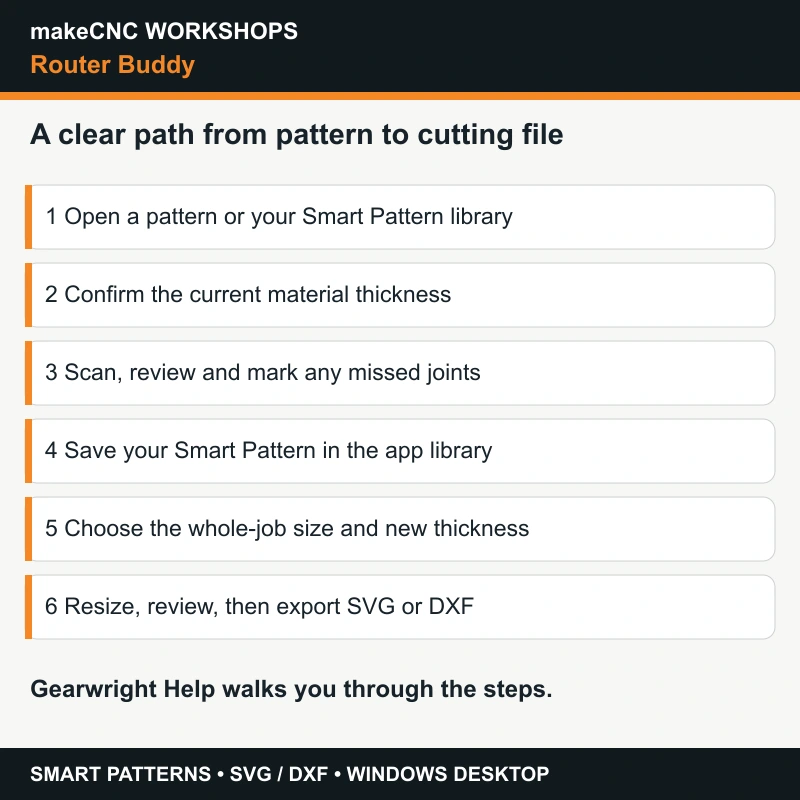
- Open SVG or DXF drawings, confirm current material thickness and scan the joints.
- Review the results and manually identify missed tabs and slots.
- Save your Smart Pattern to the app asset library for future resizing.
- Use clear metric or inch controls for your new material thickness and export units.
- Preview size changes and check the largest flat part; flat dimensions are not an estimate of assembled model size.
- Measure a joint or any two points to make informed sizing choices.
- Select, move, group and space parts, with undo/redo and automatic separation of overlapping parts.
- See problem joints highlighted for review and use the available review/override workflow when appropriate.
- Export SVG or DXF for your own design or cutting software.
All four Buddies share the essential Smart Pattern resizing engine. You do not need to buy every edition to resize patterns for different machines: choose the workflow you prefer. Router Buddy adds router dogbones, and Plasma Buddy provides metal presets. Check that your receiving software accepts the exported format.
Part of the makeCNC Workshops FORGE ecosystem
Use Router Buddy on its own, or alongside FORGE. Send a Smart Pattern to FORGE’s Smart Pattern Workshop for your wider workshop workflow. FORGE is a separate product and is not included.
Gearwright is here to help
Gearwright is your friendly makeCNC Workshops guide. Simple in-app help and step-by-step tutorials explain opening a pattern, checking joints, measuring, resizing and exporting.
Your licence and updates
$29.95 is a one-time payment for a lifetime software licence, including 12 months of software updates. When the update year ends, keep using your installed app. An optional additional year of updates costs $10 for one selected Buddy licence. It is a one-time renewal with no automatic billing; enter your existing serial at purchase. Dinosaur content is the included starter collection, not a subscription to new patterns.
Windows desktop download. This is a pattern preparation utility: use your normal CAM or cutting software to make machine toolpaths. Always review the exported geometry and cut a small joint test in your actual material before a full job.
Only logged in customers who have purchased this product may leave a review.



Reviews
There are no reviews yet.