



makeCNC Workshops Image Optimizer Pro
$19.95
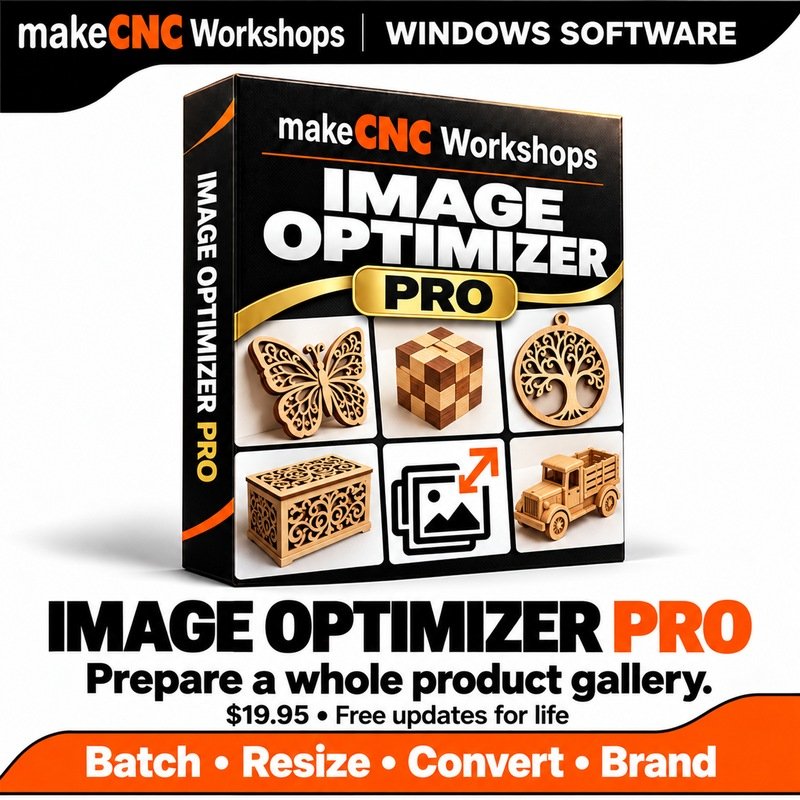
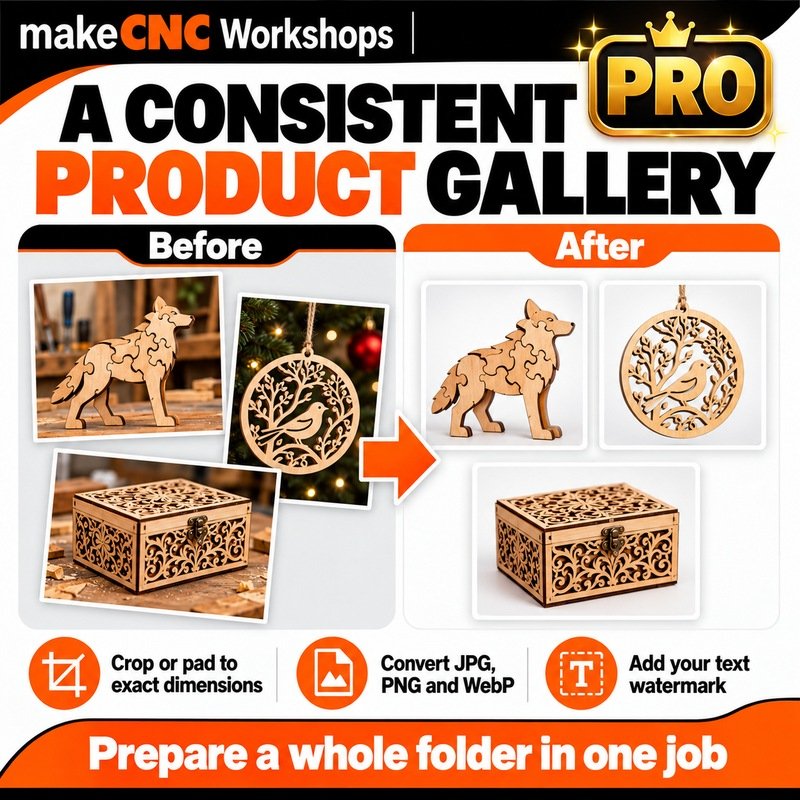
Prepare whole folders of JPG, PNG and WebP images with makeCNC Workshops Image Optimizer Pro. Resize, crop, pad, convert, add text watermarks and reuse saved jobs, with friendly Gearwright help, light and dark themes, and free updates for life. $19.95 once for Windows 64-bit.
This purchase includes a makeCNC Workshops software license for activation on up to 3 of your own computers. Internet is required for initial activation and occasional licence checks. Your project files remain on your computer.
Description
A simpler way to prepare your workshop photos
makeCNC Workshops Image Optimizer Pro turns folders of JPG, PNG and WebP images into consistent, practical pictures for your website, product listings, assembly guides and maker projects. Work locally on your Windows computer, save separate copies and keep your originals safe.
$19.95 once — free updates for life
Your purchase includes Image Optimizer Pro for up to three computers, our makeCNC activation system, Gearwright help and tutorials, and free updates for life. There is no recurring subscription for updates.
Everything in Free, plus tools for bigger jobs
- Queue up to 1,000 images, import a whole folder with subfolders, and preserve your folder structure when saving.
- Convert between JPG, PNG and WebP. Resize proportionally, crop to exact dimensions or pad with your chosen background colour.
- Add a text watermark, choose its position and opacity, and add a filename prefix.
- Aim for a target file size for JPG or WebP, with an honest result when your target cannot be reached at the chosen dimensions. PNG uses lossless compression.
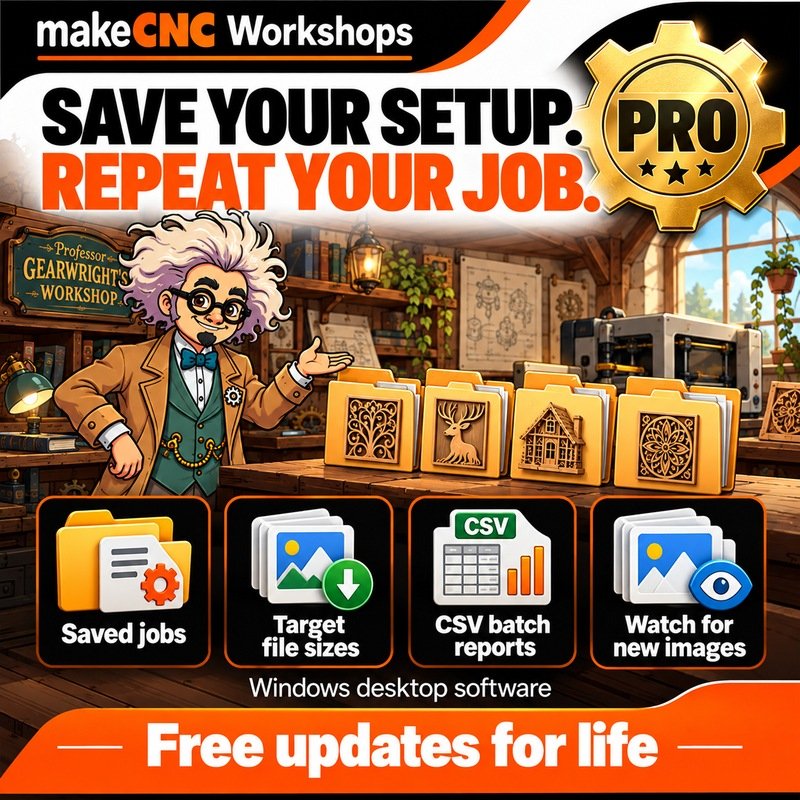
- Save and reload your favourite jobs and export a CSV batch report.
- Watch a folder for new or changed images while the app is open, then choose when to optimize the queued files.
Friendly tools that protect your work
Compare before and after, choose light or dark theme, follow Gearwright’s easy tutorials and open the included PDF guide. Files are processed on your PC without uploading your images. Separate output names protect originals and earlier results. Keep print DPI when needed and remove personal photo metadata.
What you need
This release is for Windows 10/11, 64-bit. Download the ZIP, extract it and run the installer. Activate Pro with your purchase email and serial. Internet access is needed for activation and checking for updates.
Supports ordinary still JPG/JPEG, PNG and WebP images up to 64 MB and 64 million pixels per image. Animated images and 16-bit precision PNG masters are rejected to protect specialist artwork. Use a specialist tool for RAW photos, vector files or precision height maps. Resizing or format conversion changes image pixels; lossless PNG compression applies when pixels are not resized or otherwise edited.
Every purchase helps Paul and Julie Campbell develop more useful makeCNC Workshops tools and supports the makeCNC App Library. Explore the App Library.
Only logged in customers who have purchased this product may leave a review.



Reviews
There are no reviews yet.